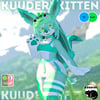
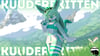
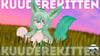

Sprout, Leafy Furry Avatar [PC+QUEST] [VRCFT][SPS][VRChat Avatar]
On Sale
$30.00
(30% off)
$21.00
Get a 15% discount by joining my Discord Server
Here
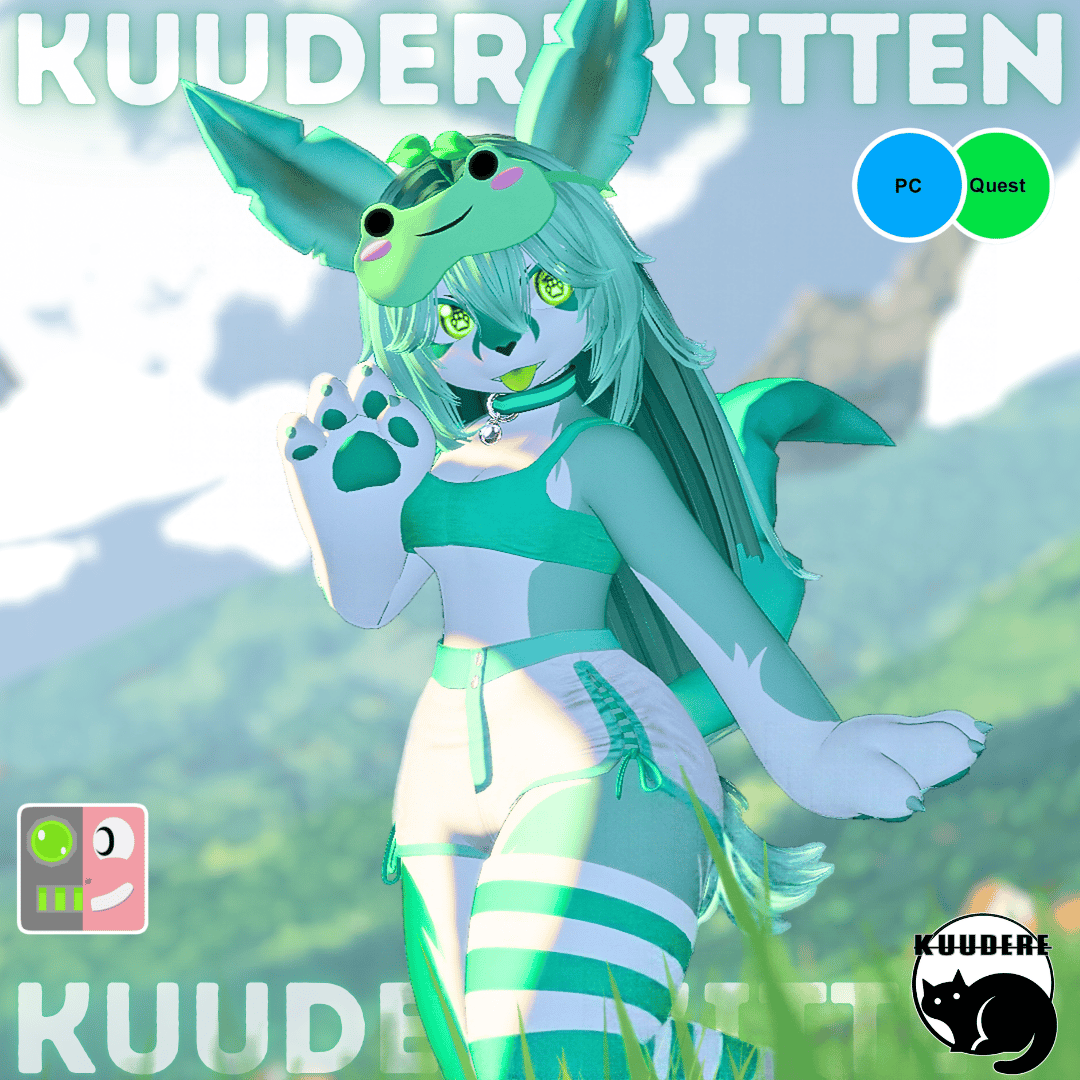
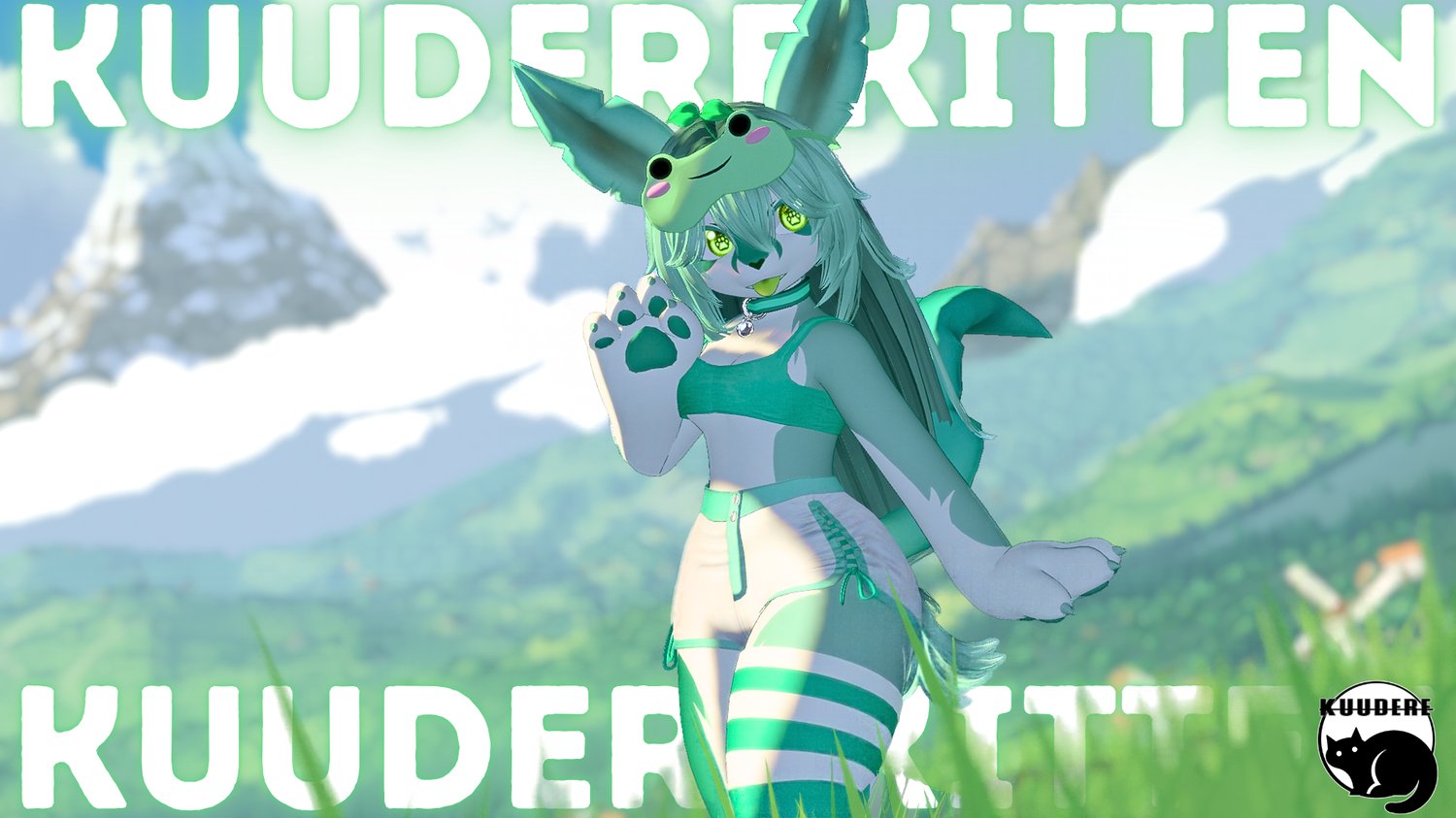
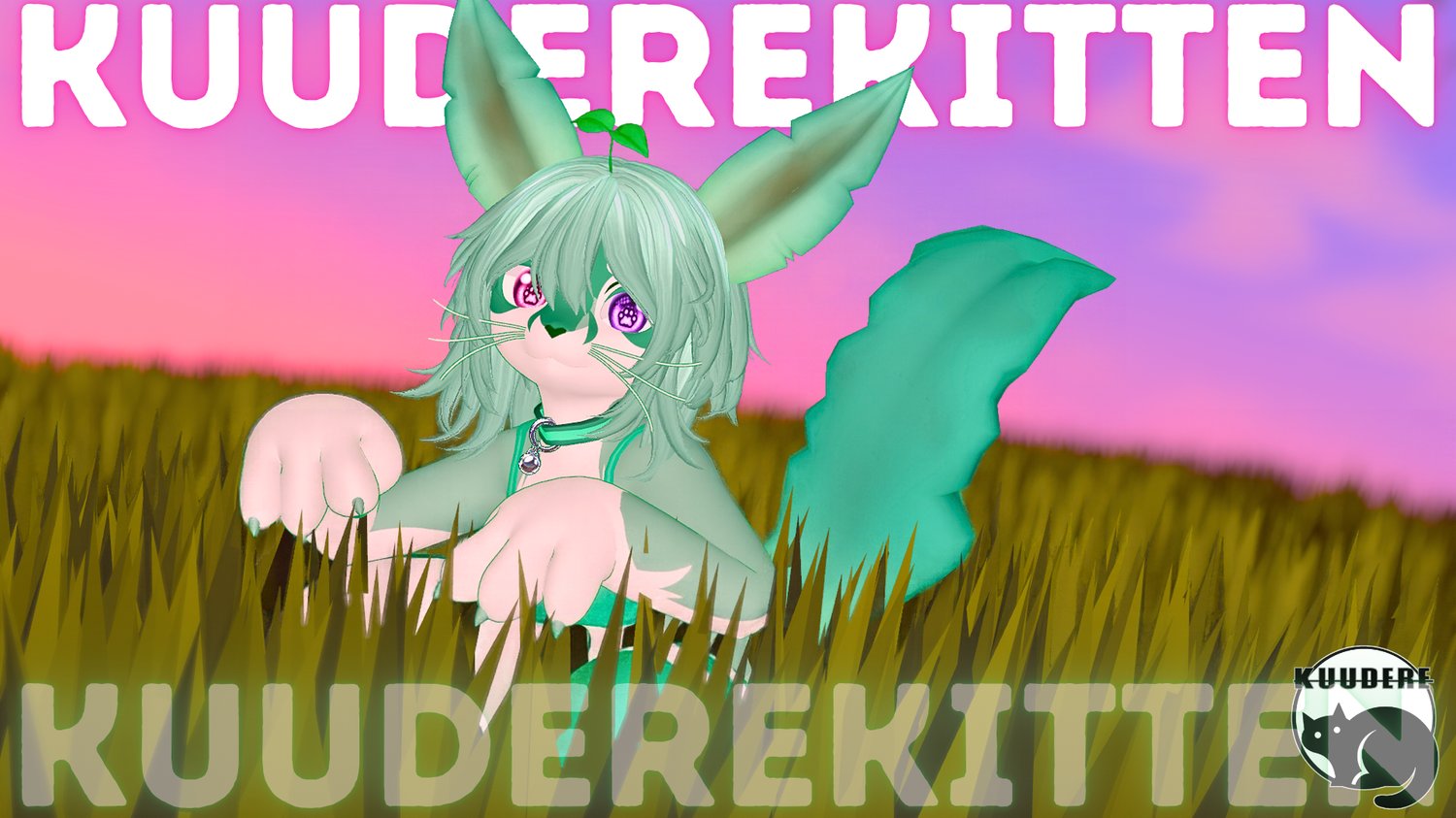
Say hello to Sprout, an adorable leafy green furry avatar!
FEATURES
- Leafy cat/fox avatar
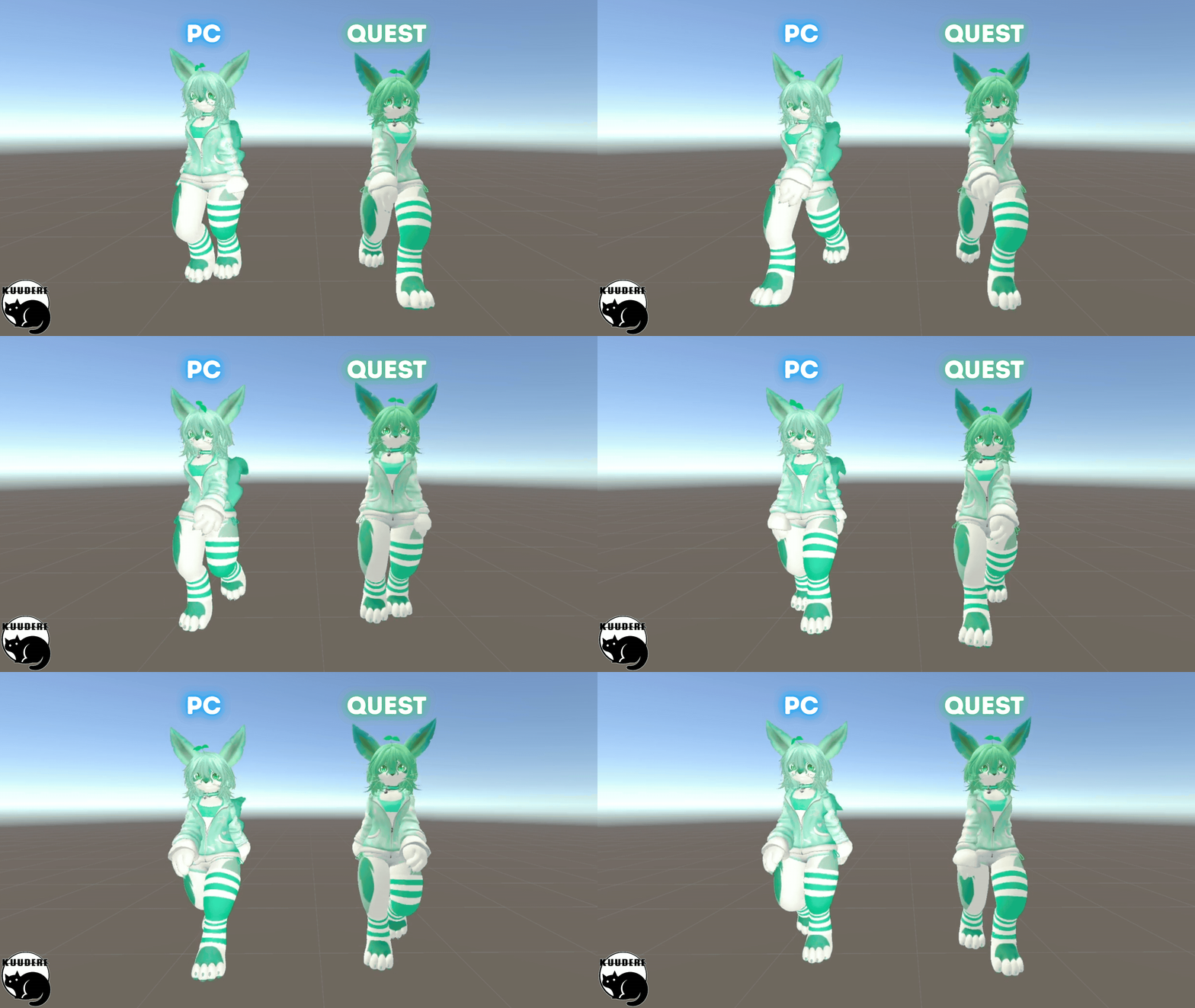
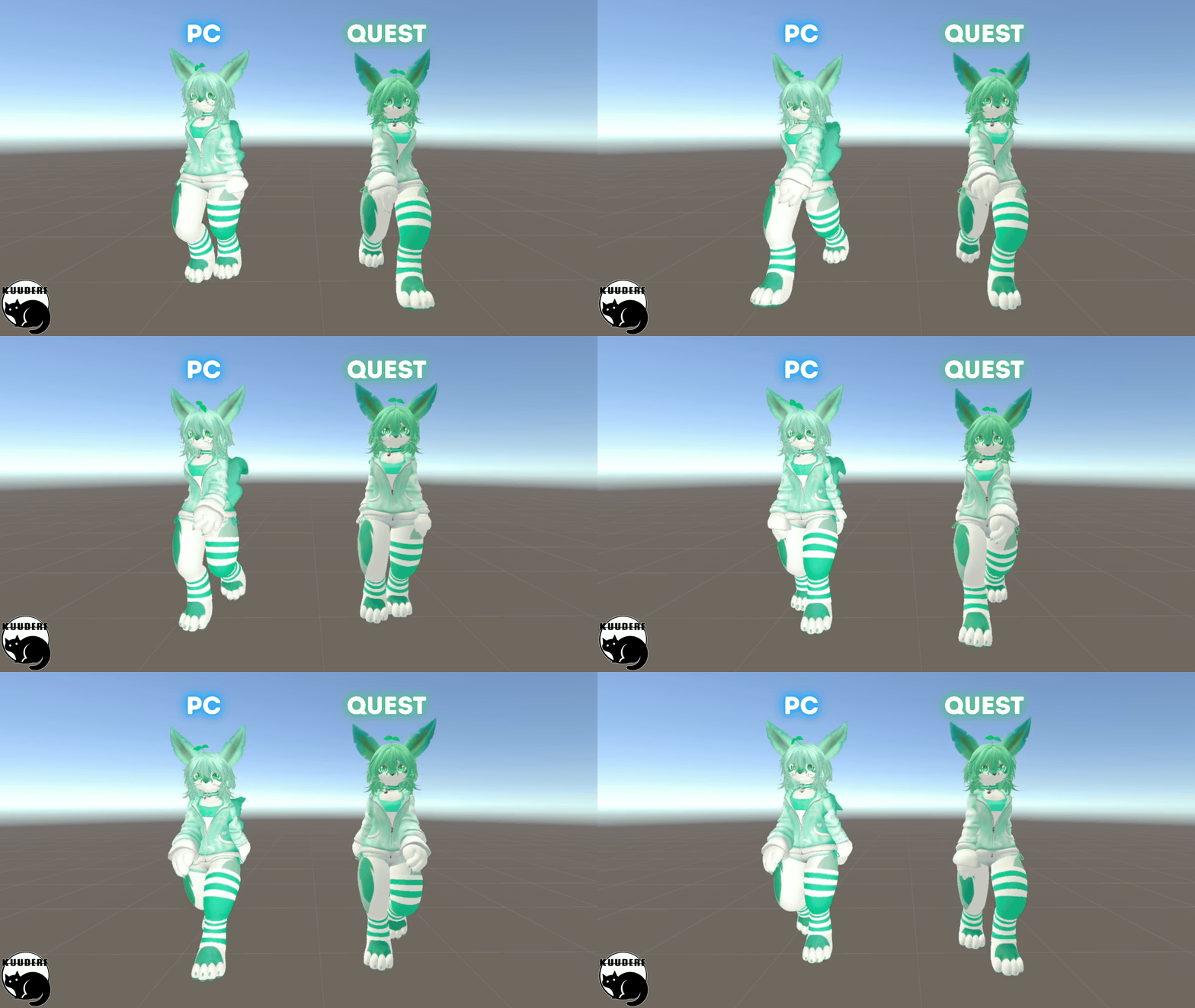
- PC + Quest Compatible
- Fem Body Shape Toggle On/Off
- Toe Bean Physics (PC ONLY)
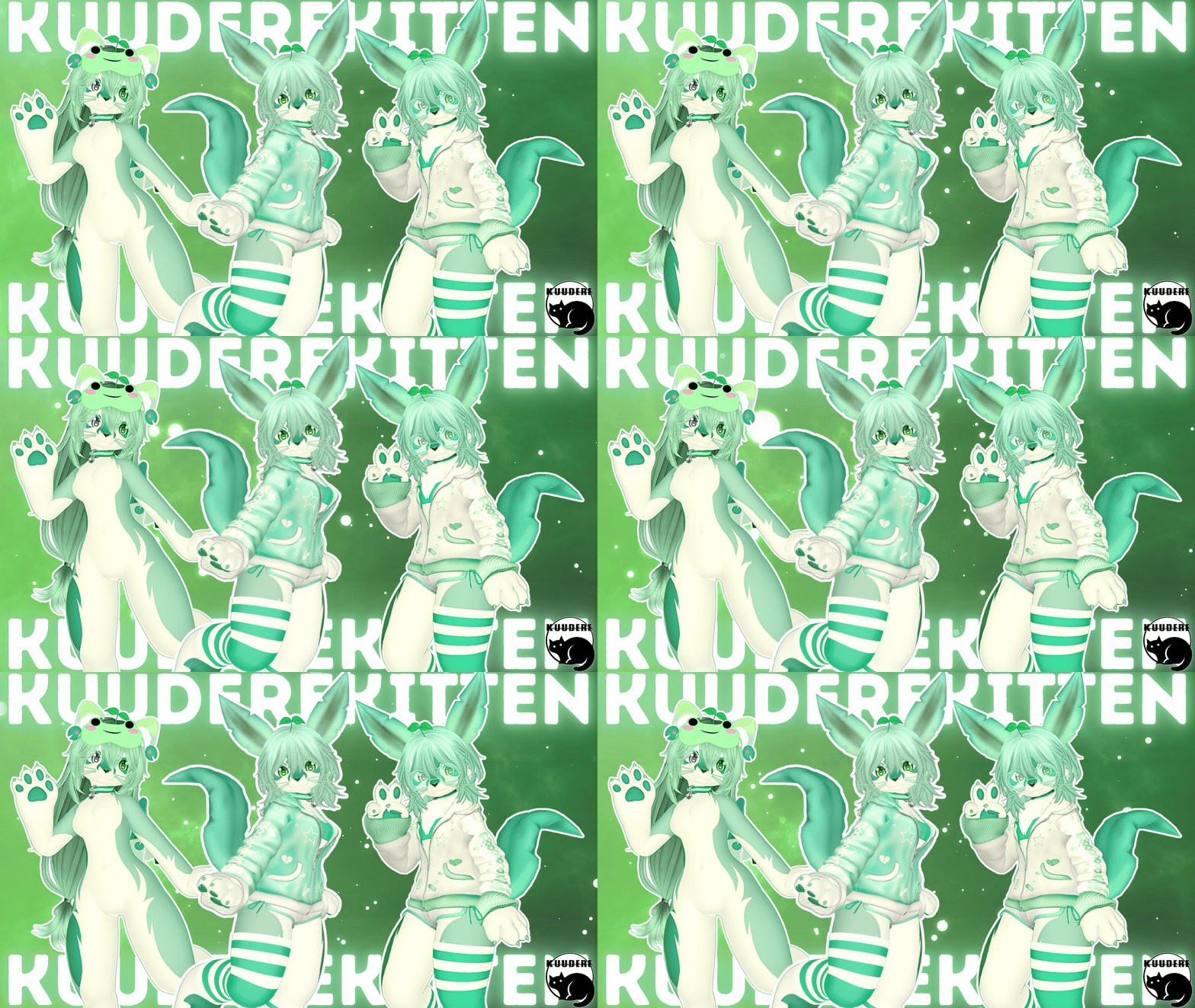
- Two Hairstyles
- Short Messy
- Long
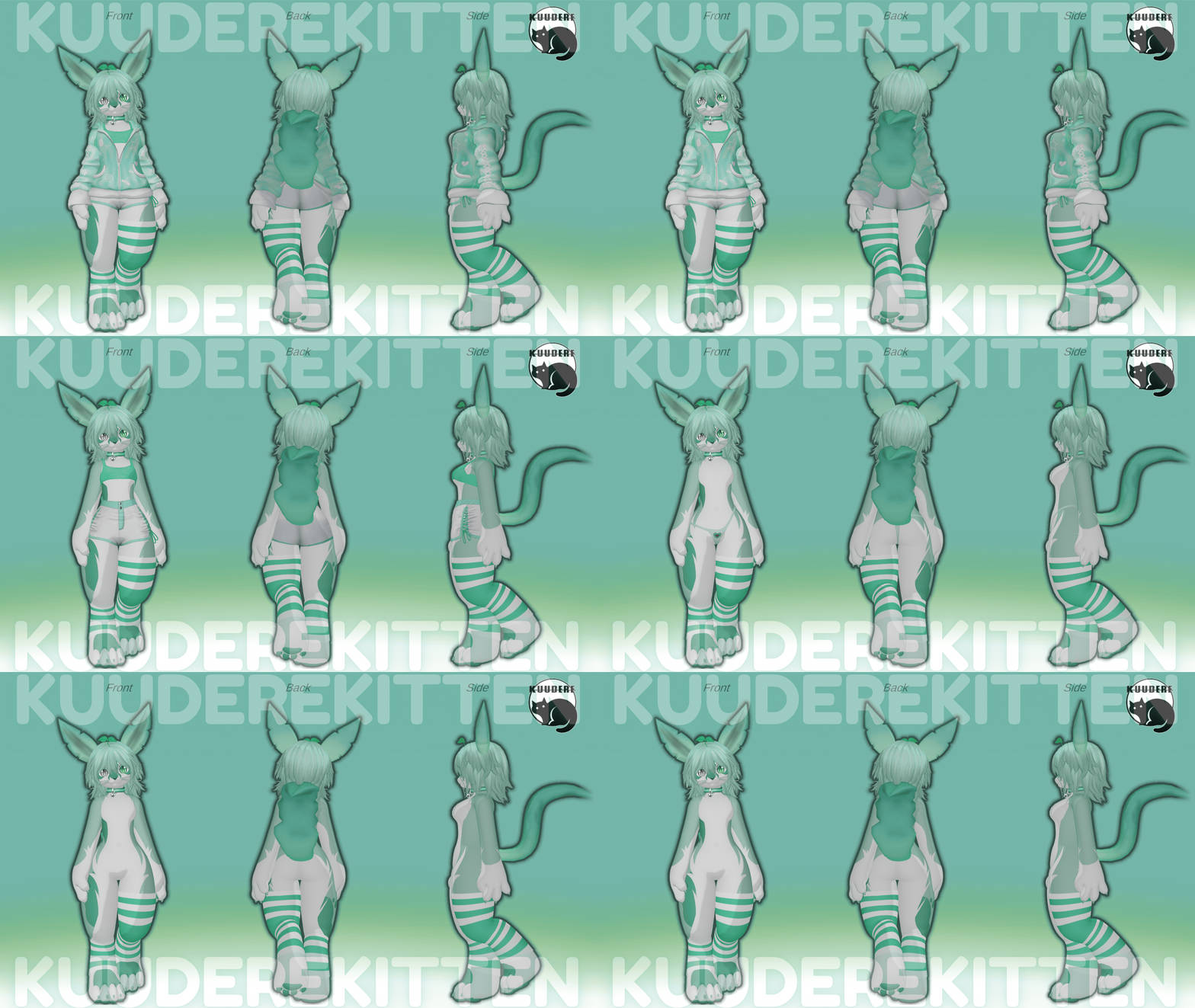
- Full Clothing Toggles
- Zip Up Hoodie
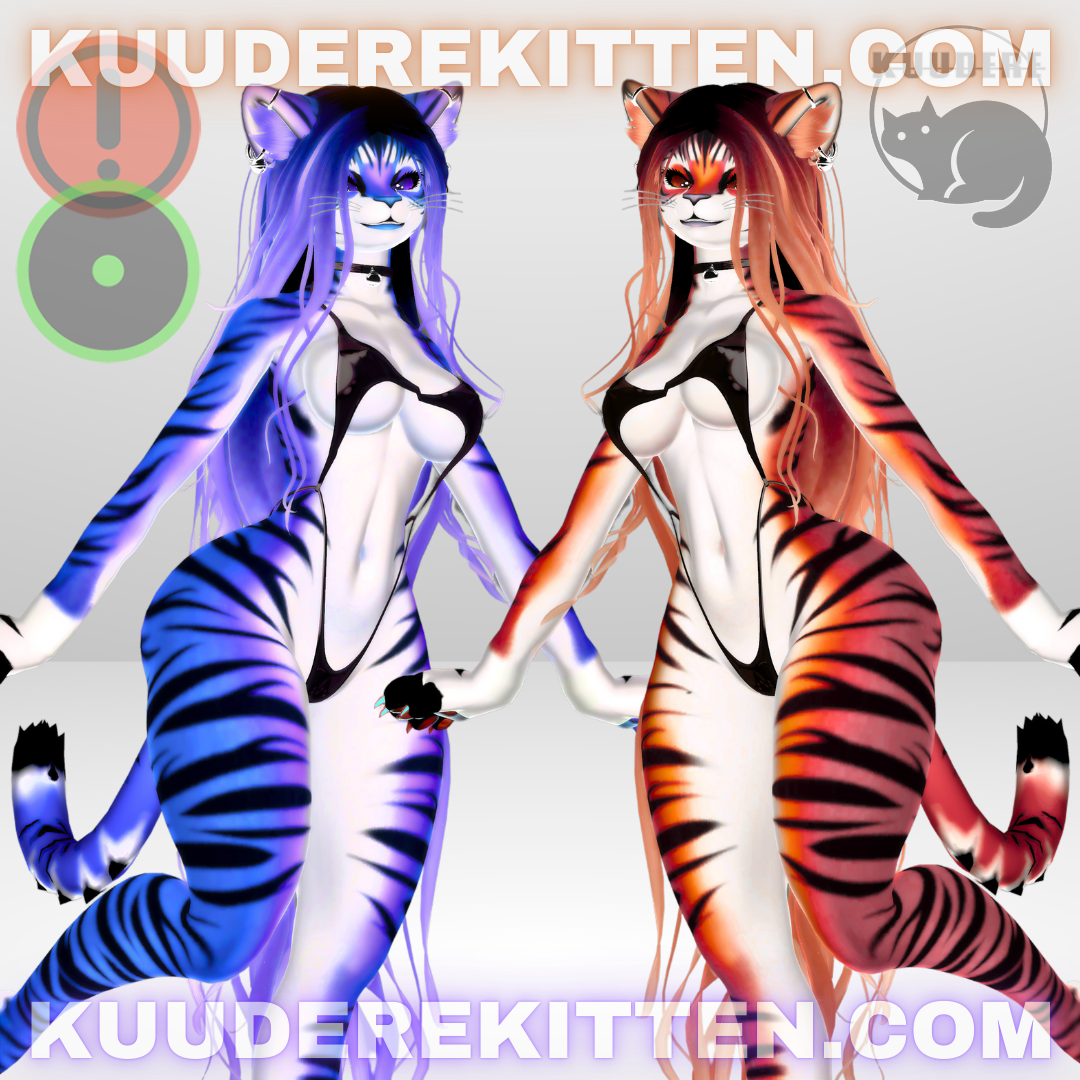
- Three Color Variants
- Crop Top
- Asymmetrical Striped Socks
- High-Waisted Button-up Shorts
- Rainbow Heart Panties
- Collar
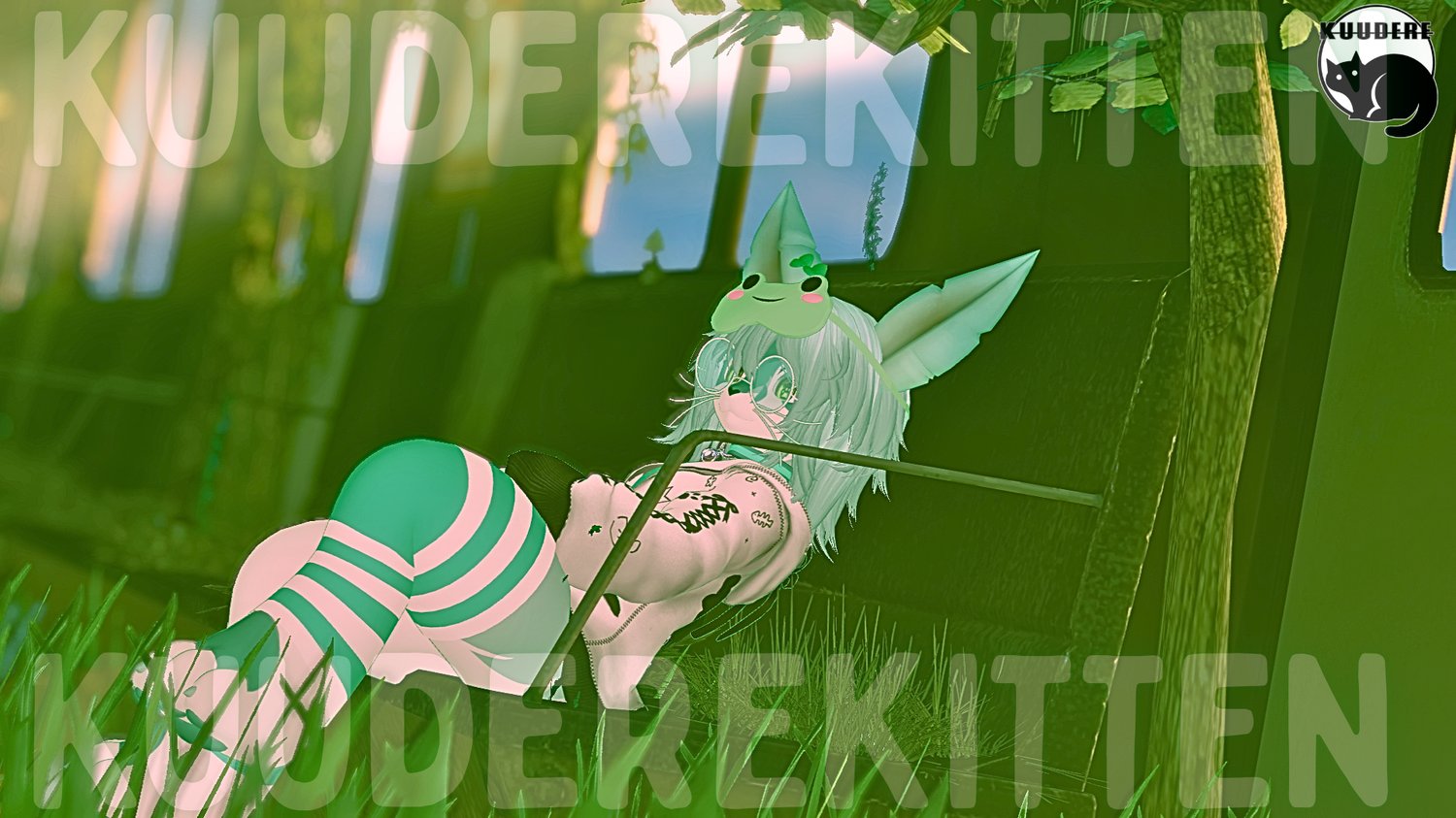
- Glasses
- Sleepy Frog Mask
- Whiskers Toggle
- Ears + Tail Swap
- Leafy -> Pond
- Eyes RGB Hue Shift Slider
- Independent Eye Hue Shift (PC ONLY)
- Both eyes hue shift together on quest
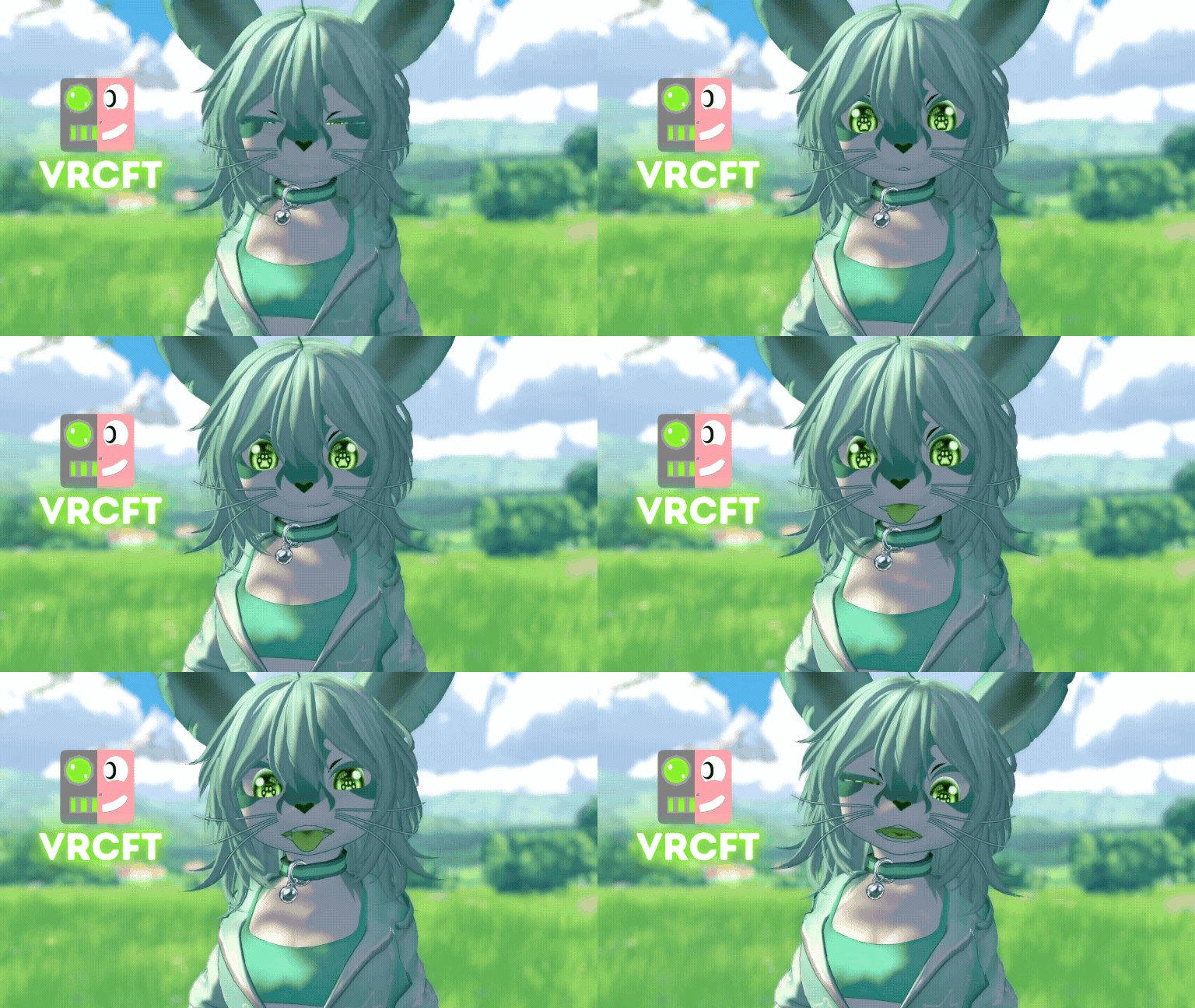
- VRC Face Tracking Installed (PC ONLY)
- Face Tracking Sensitivity Dials
- GoGo Loco Installed
- NSFW Toggles
- SPS + Wholesome Lollipop Installed (PC ONLY)
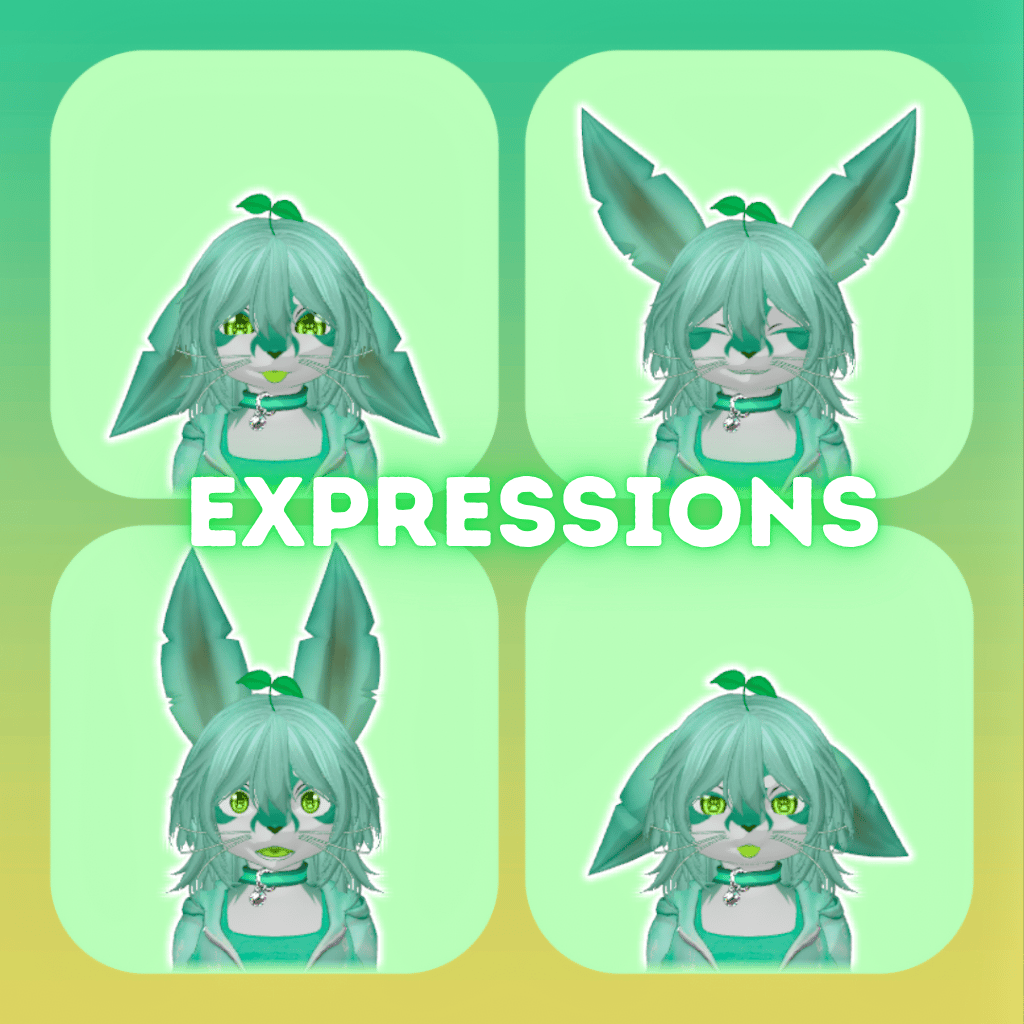
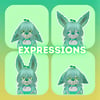
Gesture Expressions
VRC Facetracking + Sensitivity Dials
Please take the following into consideration before purchase!!!!!
- I DO NOT PROVIDE UPLOADS!!!!!
- Access to Unity + knowledge using the VCC to upload is required!
- Minor clipping may occur, at extreme angles. I've done my best to mitigate this but it cannot be 100% perfect
- THIS PRODUCT IS NOT A BASE. It is an original character avatar.
- Personal edits are allowed, but you cannot use it for commercial purposes (See More in TOS Section)
- Any texture made for the original base will work for the head + body.
- Substance Painter Files are only included for the texture edits I made to the original base.
- All other components are flat textures only.
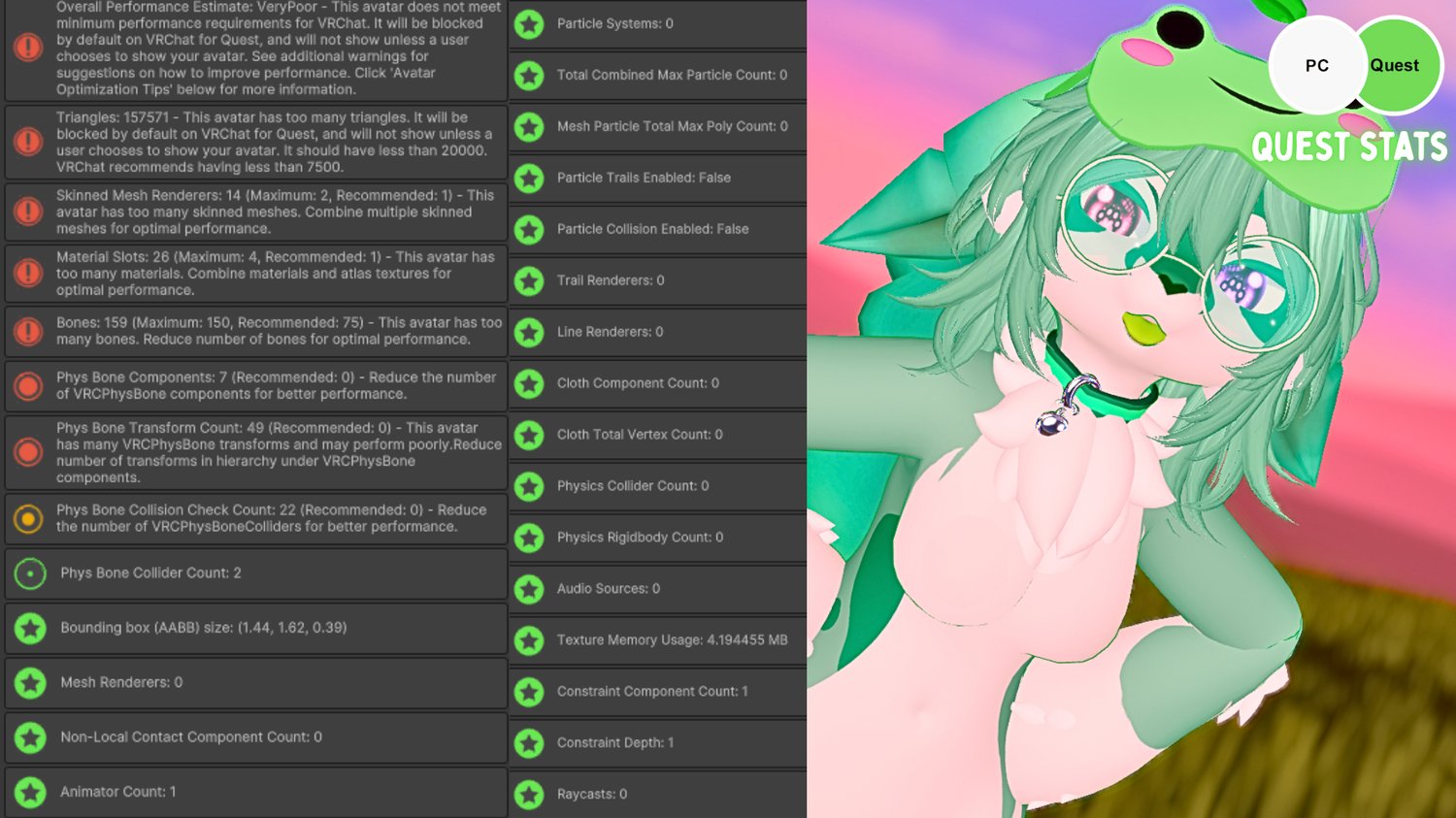
- Please note that due to quest size limitations, Quest version may not contain all the features of the pc version. Including but not limited to: Extra Toggles, Transparency Shaders, SPS/Wholesome lollipop, Follower Systems, physbones beyond the quest limitation of 8 physbones/64 phsybone transforms, or features that cause the avatar to exceed the quest upload size limit of 10mb at the creators discretion.
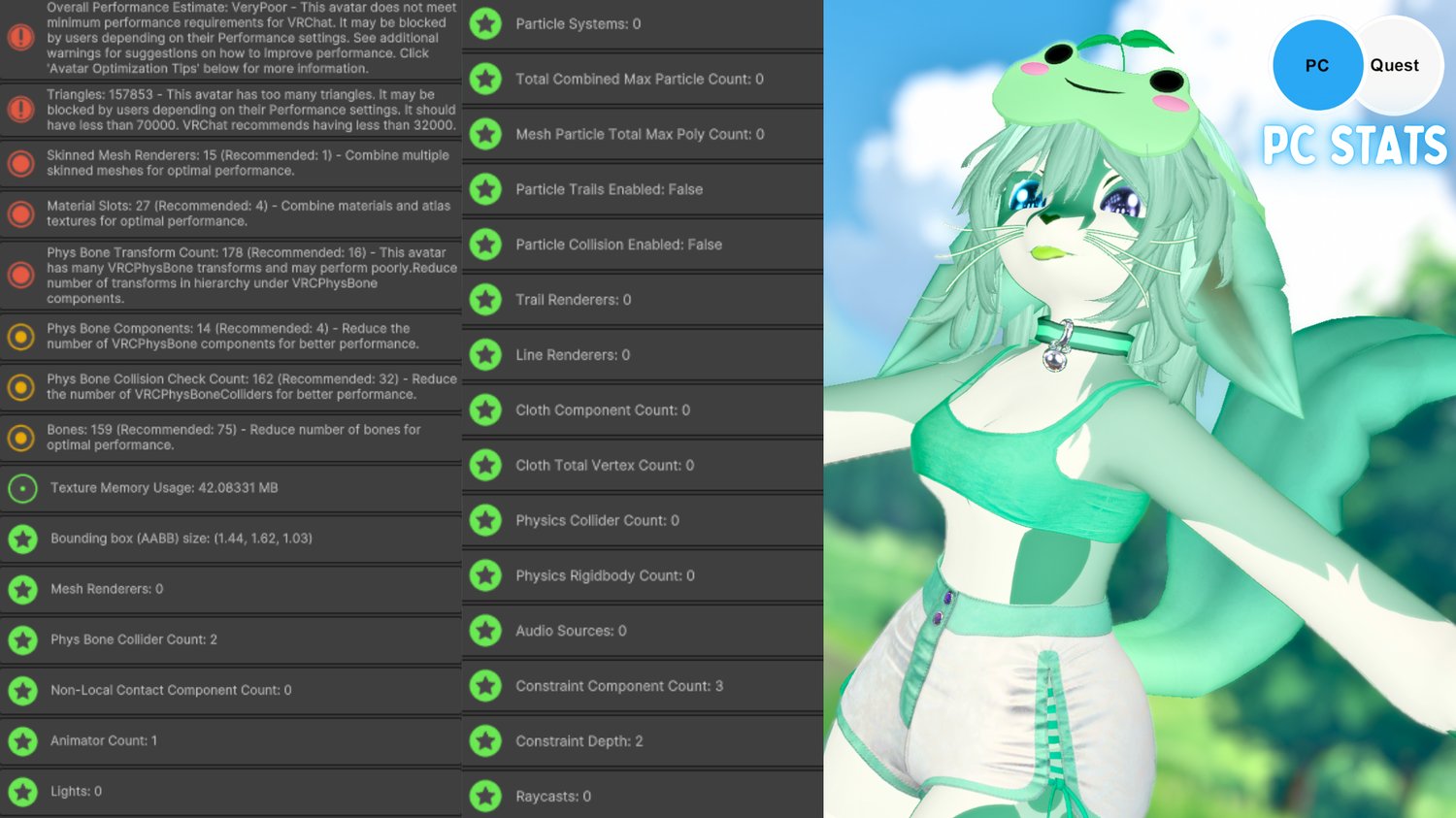
- This Avatar is VERY POOR optimization. It may not work well on some systems. make sure to check the stats if this is something you care about.
Terms of Service
- DO NOT redistribute this avatar.
- DO NOT take assets from this avatar for either personal or commercial use, please refer to the credits for each individual asset!
- DO NOT sell or give away edits of this avatar
- DO NOT sell or give away the original avatar for free
- DO NOT re-use my base edit for commercial purposes
- DO NOT claim this content as your own work
- DO NOT upload this avatar as public or make it available in a public world.
- DO NOT purchase this avatar on a shared account!
- DO NOT upload this avatar to a 3rd party website.
- Access to Unity + knowledge using the VCC to upload is required!
- If purchasing this item as a gift, you must use gifting function at checkout!
- ONE personal license per avatar. (You are the only one authorized to use the avatar)
- DO NOT redistribute custom components including but not limited to; blend-shapes, materials, any/all script settings, physics, toggles, animations, gestures or textures from this avatar.
- You Must Include your Discord Name + VRC Name at time of purchase. Incorrect or missing info will result in being banned from my store + server.
- ALL SALES ARE FINAL. Digital product cannot be refunded. Chargebacks + fraudulent reports to your bank will result in being banned from my store + server.
Credits
- Basehttps://zinpia.sellfy.store/
- Hair https://jinxxy.com/Asphyxiya
- Hoodiehttps://payhip.com/Ssukiii
- Shortshttps://payhip.com/darcyvr/
- Frog Maskhttps://payhip.com/StarBxnny
- Pantieshttps://payhip.com/WinxieVR
- Top https://pettystore.gumroad.com/
- Eye Textureshttps://payhip.com/NightVixen
- Ears+ Tail https://payhip.com/BabyFairy
- Hair 2/Ears + Tail 2 https://novapies.com/
- Icons https://payhip.com/SmolUni
- More Icons https://awmi.gumroad.com/
- GoGo Loco https://franadavrc.gumroad.com/
- Sprout https://jinxxy.com/lpb
- Lollipop https://wholesomevr.gumroad.com/
- Hair Texture https://wetcat.gumroad.com/
- VRCFT DLC by https://jinxxy.com/threevee
- VRC Face Tracking Template by Adjerry https://github.com/Adjerry91/VRCFaceTracking-Templates
Avatar Stats
Upload Instructions
Make sure VRCFURY + Poiyomi Toon Shaders + AdJerry Face Tracking Templates are installed in the VCC. You can install them here:
https://poiyomi.github.io/vpm/
https://adjerry91.github.io/VRCFaceTracking-Templates/
How to Upload for PC
- Create New VCC Project (Avatars 2022)
- Import Poiyomi Toon Shaders + VRCFURY + AdJerry Face Tracking Templates in VCC Package Management
- Open Project
- Import Avatar Package, drag scene into hierarchy
- Sign into SDK + upload selected version to PC
- (If uploading for quest- copy the blueprint ID for part 2)
How to Attach Quest Version:
- Upload PC Version First (instructions above)
- Switch SDK To Android
- Paste Blueprint ID from PC version into the Quest Version's blueprint ID slot
- Upload! It will automatically attach